

The POS system built for hospitality

KRAAK POS is the POS system for restaurants, bars and cafés: take orders, take payments and close the day, at the till or on the go at the table.

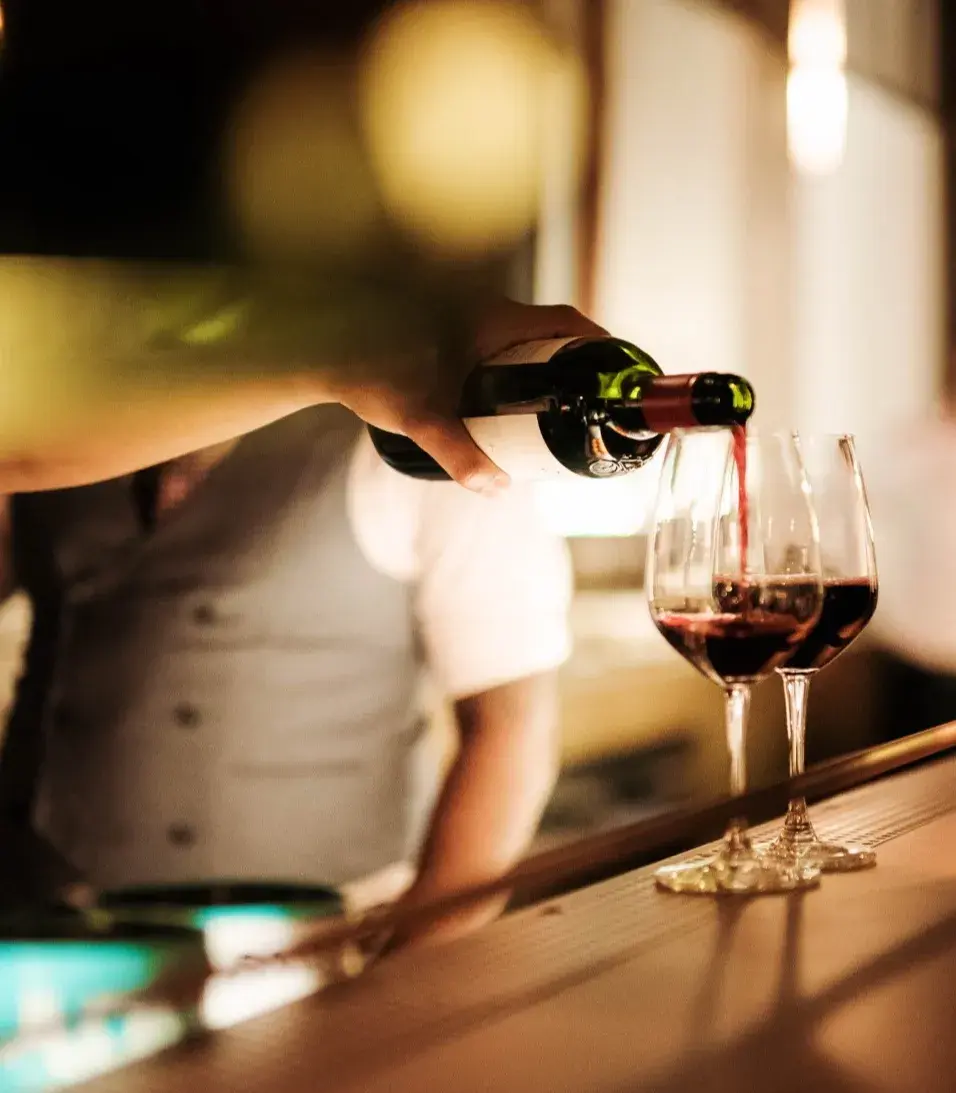
Servicekraft schenkt Rotwein in Weingläser ein.
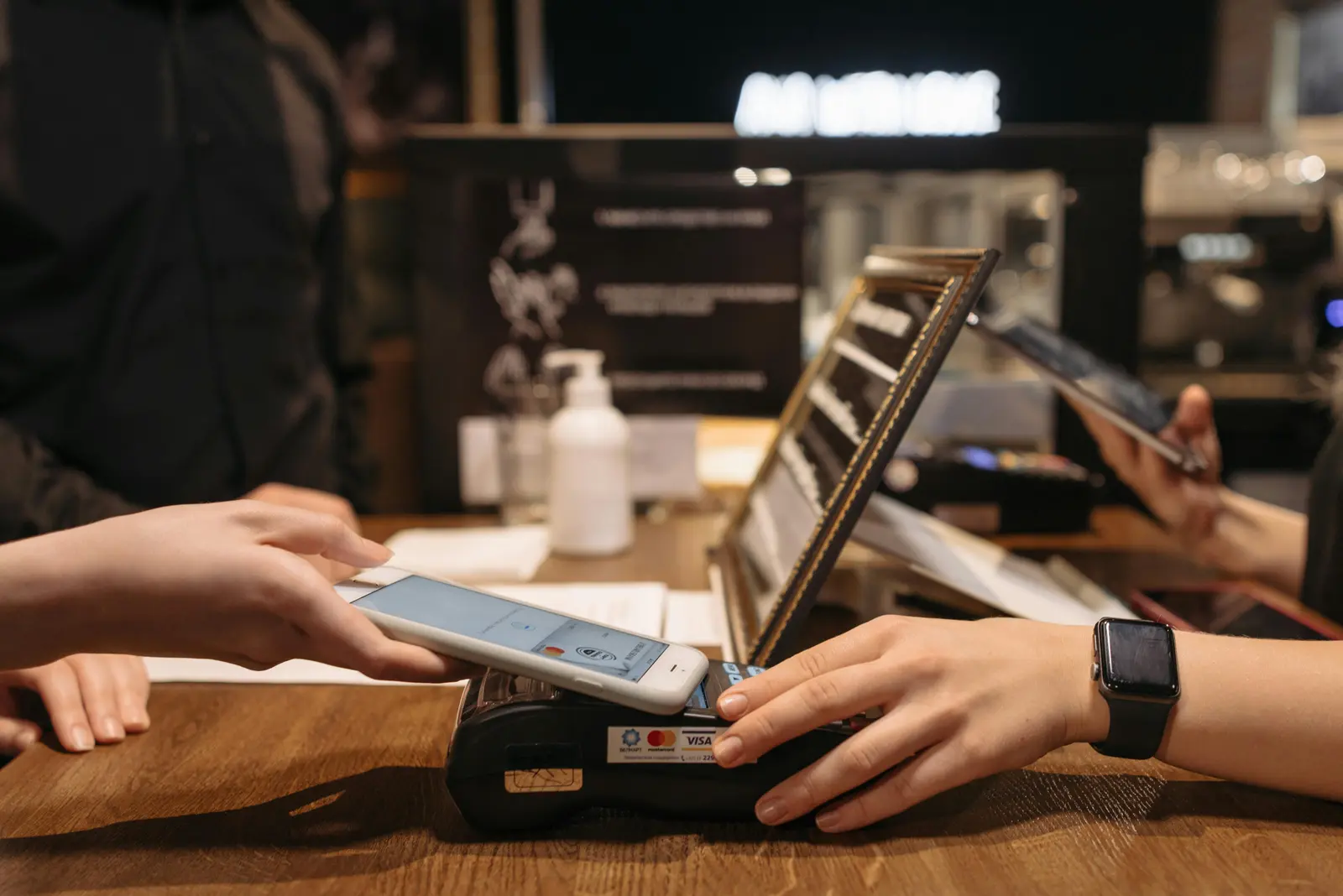
Kundin bestellt an der Café-Theke, der Barista tippt die Bestellung in die Kasse.
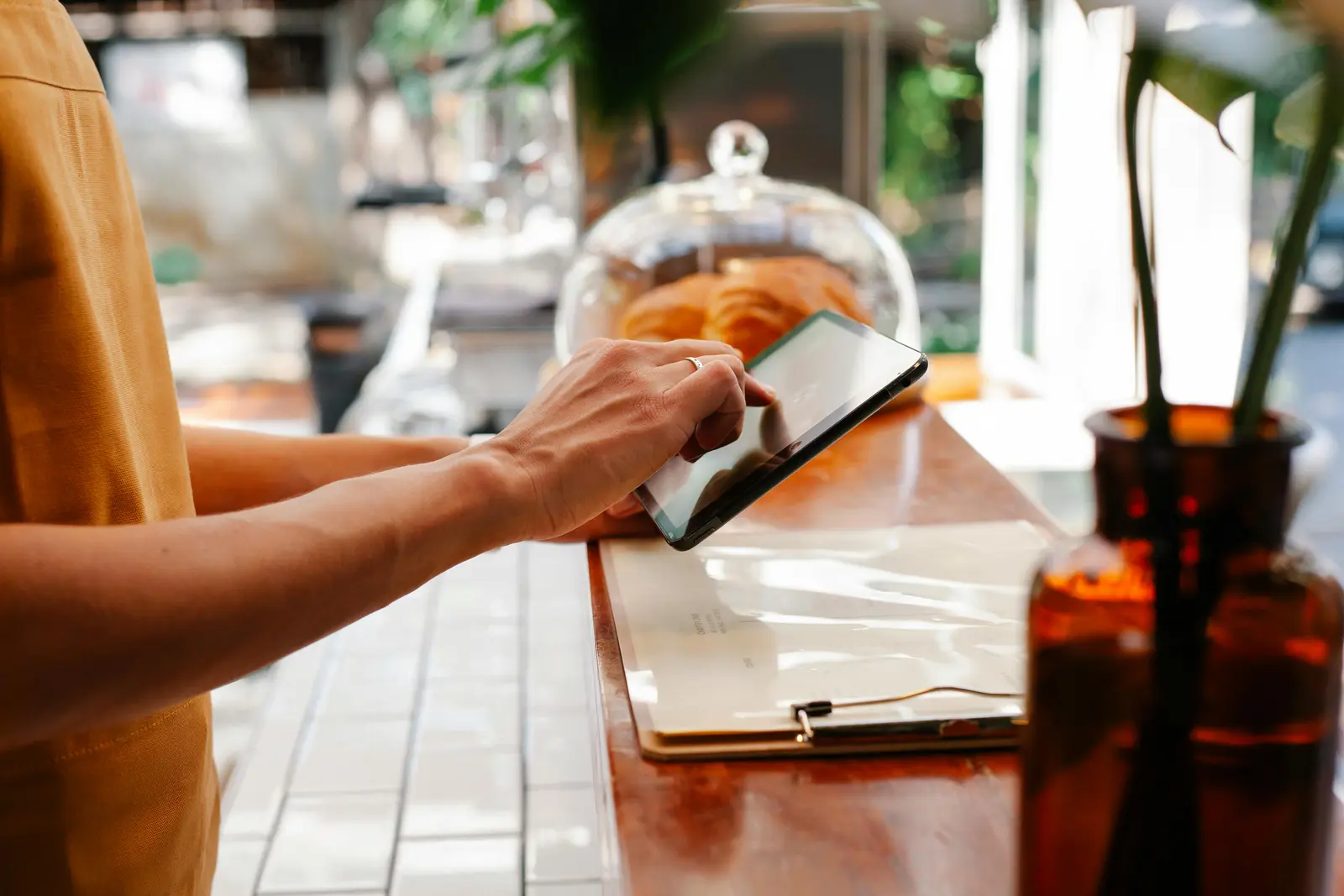
Servicemitarbeiterin nimmt im Café eine Bestellung auf dem Tablet auf.
Bestellung auf dem Tablet an der Café-Theke, daneben Gebäck unter einer Glasglocke.
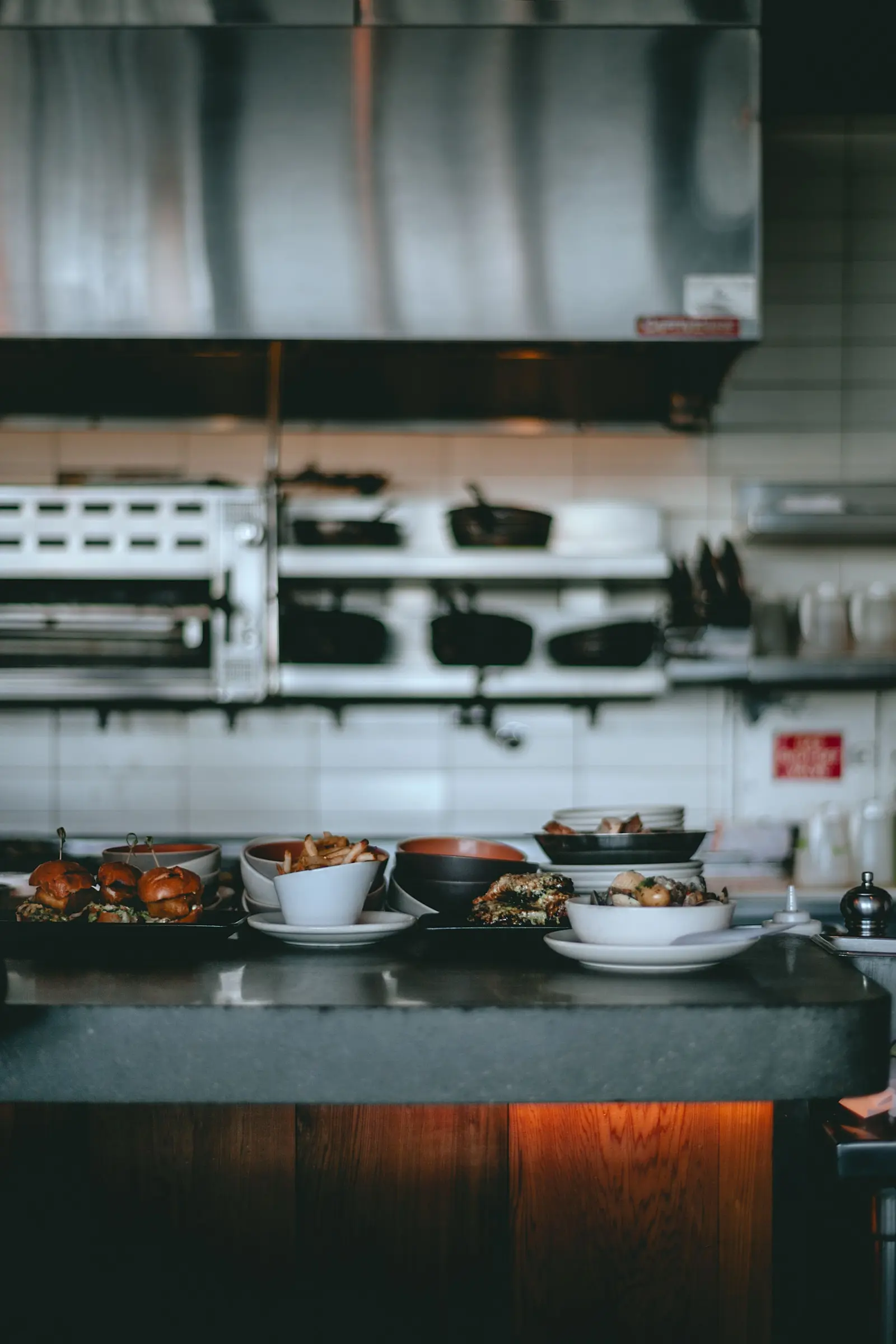
Restaurantküche mit angerichteten Tellern auf der Durchreiche.

Your benfits

Everything at a glance

Order quickly via categories, quick access, or search

Table plan with status and server

Receipts are automatically sent to kitchen and bar

Cash, card TWINT and vouchers, split bills too

Shift and end-of-day close with cash count

Personal PINs and clear permissions for your team

Orders and tables

Take orders fast, at the counter or at the table

Find items by category, in your favourites or via search. Add extras, notes and courses right on the item, and pull up allergens in one tap.

Serving in courses? The POS shows the course for each item, and you can change it at any time.

  • Table plan: etables by area, with status and server. Move an order in two taps.

  • Dine-in or takeaway: choose for each order, with a separate view for takeaway.

  • Drafts: park an order and come back to it later.
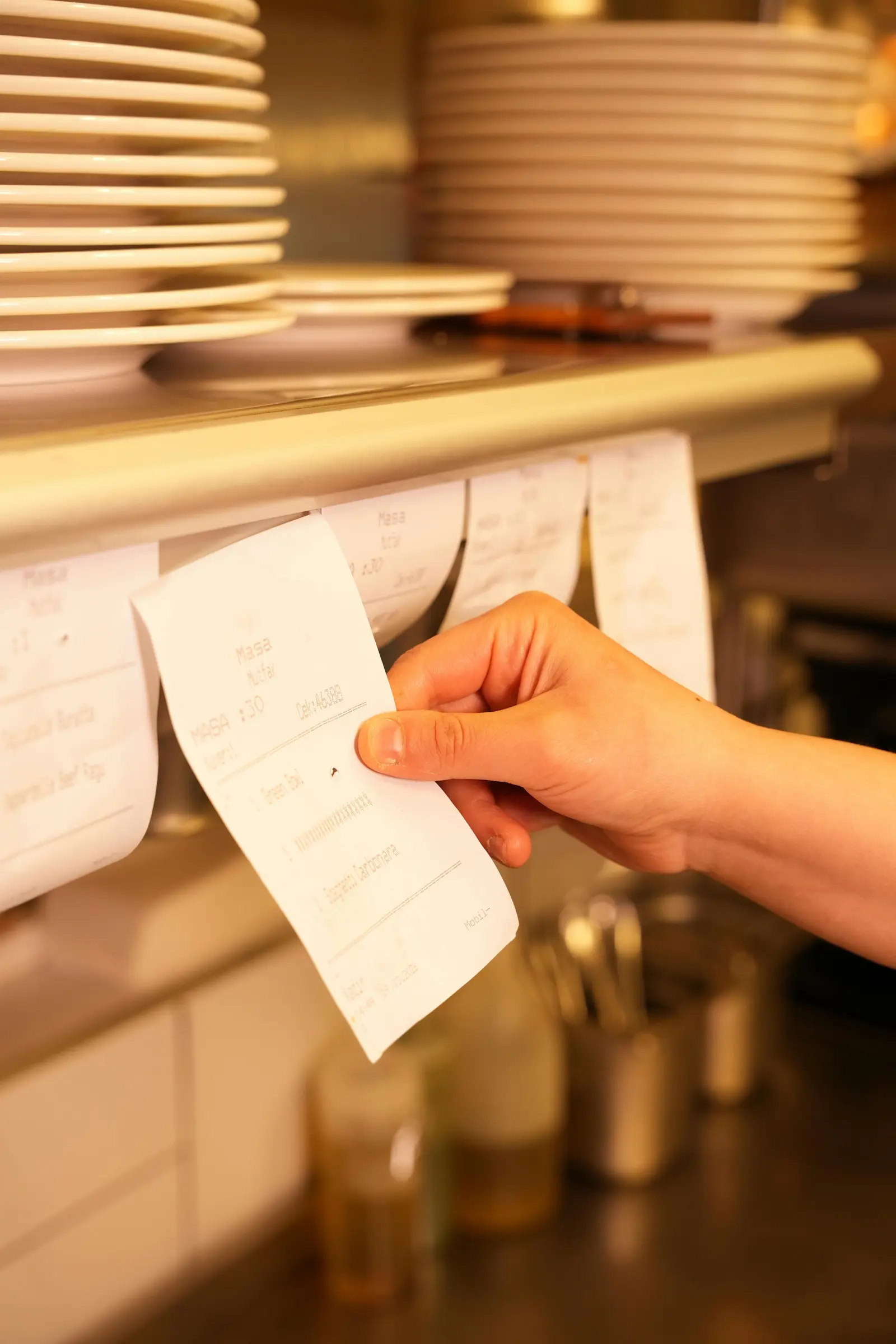
Hand nimmt einen Bestellbon von der Bonleiste in der Küche

Kitchen and bar

Every order, straight to kitchen and bar

Hit send and the tickets go to the right printer automatically: food to the kitchen, drinks to the bar.

  • Printing by category: decide in the back office which printer gets which category. Connected via cloud printing.

  • Delta Printing: after an edit, the kitchen only gets what changed.

  • Printer alerts: if a printer stops printing, the POS lets you know straight away.

Gast bezahlt kontaktlos mit dem Smartphone am Kartenterminal

Payments and receipts

Flexible payments, including split bills

Guests can pay by cash, card, TWINT or voucher. For cash payments, the POS shows the change due and rounds to the nearest 5 Rappen.

  • Card payments on your phone: with SoftPay, no extra device needed, or via a card terminal.

  • Split payment: Split bills by item or by amount.

  • Discounts, tips and refunds: apply discounts and tips to the entire order, in CHF or as a percentage. Refunds are also possible.

  • Receipts: print customer receipts and pro forma, interim or final invoices, or share them as a PDF.

Hände tippen auf einem Laptop, Backoffice im Browser.

Shift and daily Closing

End-of-day closing with a cash count in one tap

Each shift starts with an opening float and ends with a cash count. You see expected, actual and difference instantly.

  • Cash: log cash deposits and cash withdrawls with a reason. All payments from the shift appear in one list, ready to reprint.

  • Reports: print X reports (interim) and Z reports (closing), and export shift and end-of-day reports as PDF.

  • Clear permissions: everyone has their own PIN. Voids and cash movement need a reason, sensitive actions are for managers only.

Back office

Manage your menu, prices and team

Set up your POS in the back office, right in your browser. Items, prices, table plan, printers and staff all live in one place, whether you run one location or several.

  • Menu and prices: items with images, colours, extras and options. Separate prices and VAT for dine-in and takeaway.

  • Time-based settings: items and prices by time of day, e.g. for happy hour.

  • Team and registers: assign roles (admin, manager, staff) per location, pair new tills via QR code.gister with a code or QR code.

Pricing

What does KRAAK POS cost?

KRAAK POS starts at CHF 69 per month, depending on devices and features. Hardware such as tablets, printers or card terminals is priced separately.

KRAAK universe

You might also be interested in: